

Thinking about getting your child their first smartphone? Before you hand it over, there are a few things I’d encourage you to work through together.
Can they recognize a scam? Do they know what to do when something uncomfortable happens in a group chat? Can they put their phone down when it’s time to do something else? And will they come to you when something goes wrong?
I’m Chris Koniarczyk, a licensed mental health counselor and co-founder of Tech Addiction Experts. As a therapist, I’ve spent a lot of time talking with people about how technology affects their lives. And as a parent of two kids, these are things I think about at home, too.
Something I’ve noticed in my clinical work is that when I ask clients who got smartphones at a young age whether they think they should have gotten one that early, a lot of them say no. When I ask whether their younger siblings should have the same access they had at that age, the answer is often an even stronger no.
I’ve also noticed how differently my own kids respond to screens. One of them generally does pretty well with screen time and moving on to something else. With the other, we have to be more careful about limits because stopping can be a real struggle.
Same parents, same house, but two pretty different responses to technology.
So I don’t think there’s one magic age when every child is ready for a smartphone. But I do think there are things we can teach them before they get one.
Here are six places I’d start.
1. Practice Recognizing Online Scams
Most adults have gotten a suspicious text or email. Maybe it’s a package that supposedly couldn’t be delivered or a warning that an account is about to be closed.
Kids encounter scams too, often through games, social media, and messaging apps. It might be an offer for free Robux, a message that appears to come from a friend, or a link promising something that sounds too good to be true.
Rather than just telling your child not to click suspicious links, show them a few examples.
Ask what they notice. Does anything seem strange? Why might someone send this? What would they do if they weren’t sure?
Don’t feel like you need to jump in with the correct answer right away. Give them a chance to think it through.
We want kids to get in the habit of slowing down and questioning things before they click.
2. Talk About Group Chats Before There’s a Problem
Group chats are a big part of how kids communicate, and they can get complicated pretty quickly.
Someone gets left out. A joke goes too far. A screenshot gets shared. Or a group starts making fun of another kid.
It’s easy to tell our kids to be kind online. It’s a lot harder when they’re actually in one of these situations, especially if their friends are involved.
Try asking your child what they would do if their best friend started making fun of someone in a group chat.
What if they were worried about getting made fun of themselves? What if everyone else was joining in?
These aren’t always easy situations, even for adults. Talking them through ahead of time gives kids a chance to think about how they might respond before they’re in the middle of one.
3. Help Them Develop Healthy Screen Habits
I’m not against screen-time limits. We use them in our own house.
But I think it’s important to do more than just tell kids how long they can use a screen. We also want them to start recognizing how technology affects them.
Do they get frustrated when they have to stop playing a game? Do they ever feel worse after spending time online? Are they staying up later than they intended because they keep watching one more video?
These are things adults struggle with, too.
One thing you can try is asking your child how they feel after different screen activities. Maybe they feel great after playing a game with friends but irritable after watching videos for an hour.
See what they notice.
We can set reasonable boundaries while also helping kids develop some awareness of their own habits. That awareness becomes more important as they get older and have more independence.
4. Teach Them to Think Before They Share
Most kids have heard that they shouldn’t share personal information online. But understanding that rule and understanding why it matters are two different things.
A child might send something to a friend assuming it will stay between the two of them. They may not think about screenshots, forwarded messages, or how quickly something can spread.
Talk through a few examples together.
Would it be okay to share a picture of a friend without asking? What about telling someone online where you go to school? What if someone asks for a photo that makes you uncomfortable?
And what should they do if they’ve already shared something they regret?
I don’t want kids to be afraid of everything they do online. But I do want them to understand that some decisions can have consequences they didn’t anticipate.
5. Help Them Question What They See Online
This is becoming especially important with artificial intelligence.
Kids are growing up with technology that can create realistic-looking pictures, videos, and even conversations that aren’t real. AI tools can also give answers that sound completely confident but turn out to be wrong.
We need to help kids get comfortable questioning what they see.
Next time your child comes across something surprising online, try looking into it together.
Where did it come from? Can you find another source? Does anything seem a little off?
You don’t need to be an expert in AI to have these conversations. Sometimes it’s useful to say, “I’m not sure. Let’s figure it out.”
That’s a pretty good skill to model for our kids, too.
6. Make Sure They Know They Can Come to You
 Of everything on this list, this might be the most important.
We can teach our kids about scams, privacy, cyberbullying, and all the other things they might encounter online. We can set rules, use parental controls, and do our best to keep an eye on what they’re doing.
And they’re still going to make mistakes.
They might click something they shouldn’t. They might say something hurtful in a group chat. They might see something upsetting or get into a situation they don’t know how to handle.
When that happens, we want them to come to us.
But think about it from their perspective. If they believe telling us about a problem will automatically mean losing their phone or getting in trouble, how likely are they to tell us?
That doesn’t mean there shouldn’t be consequences. Sometimes there absolutely should be.
But I think we have to be careful that our response doesn’t make our kids less likely to come to us the next time something happens.
One question worth asking your child is, “If something happened online that you were embarrassed about or thought you’d get in trouble for, would you feel comfortable telling me?”
And then really listen to their answer.
You Don’t Have to Wait Until They Get a Phone
I think parents sometimes feel like their options are to give their child a phone and hope for the best, or hold off as long as possible.
But there’s a lot we can do in between.
We can talk about situations they’re likely to encounter. We can practice making decisions. We can listen to what they think and help them work through things they haven’t considered.
And we can start doing all of that long before they have their own smartphone.
It’s also worth remembering that getting a phone isn’t the end of the process. Kids change, their friendships change, and the technology they’re using changes.
We’re going to have to keep talking about it.
Why We Created the Digital Driver’s License
This is a big part of why we created the Digital Driver’s License at Tech Addiction Experts.
There’s no shortage of information out there about online safety. But knowing what to teach your kids, how to explain it, and finding the time to actually sit down and talk about it can be difficult.
We wanted to make that easier.
The Digital Driver’s License is a therapist-led course that parents and kids take together. It includes ten lessons covering online scams, cyberbullying, online predators, digital addiction, gaming, mental health, AI, and more.
Each lesson has a short video, a quiz, and a Family Conversation Guide.
The videos teach practical skills, but the conversations are just as important to us.
We want kids to have a chance to think through situations, ask questions, and hear their parents’ perspectives. And we want parents to hear what their kids think, too.
It’s not about having one big talk and checking online safety off the list. It’s about getting those conversations started and making it easier to keep having them.
Try the First Lesson Free
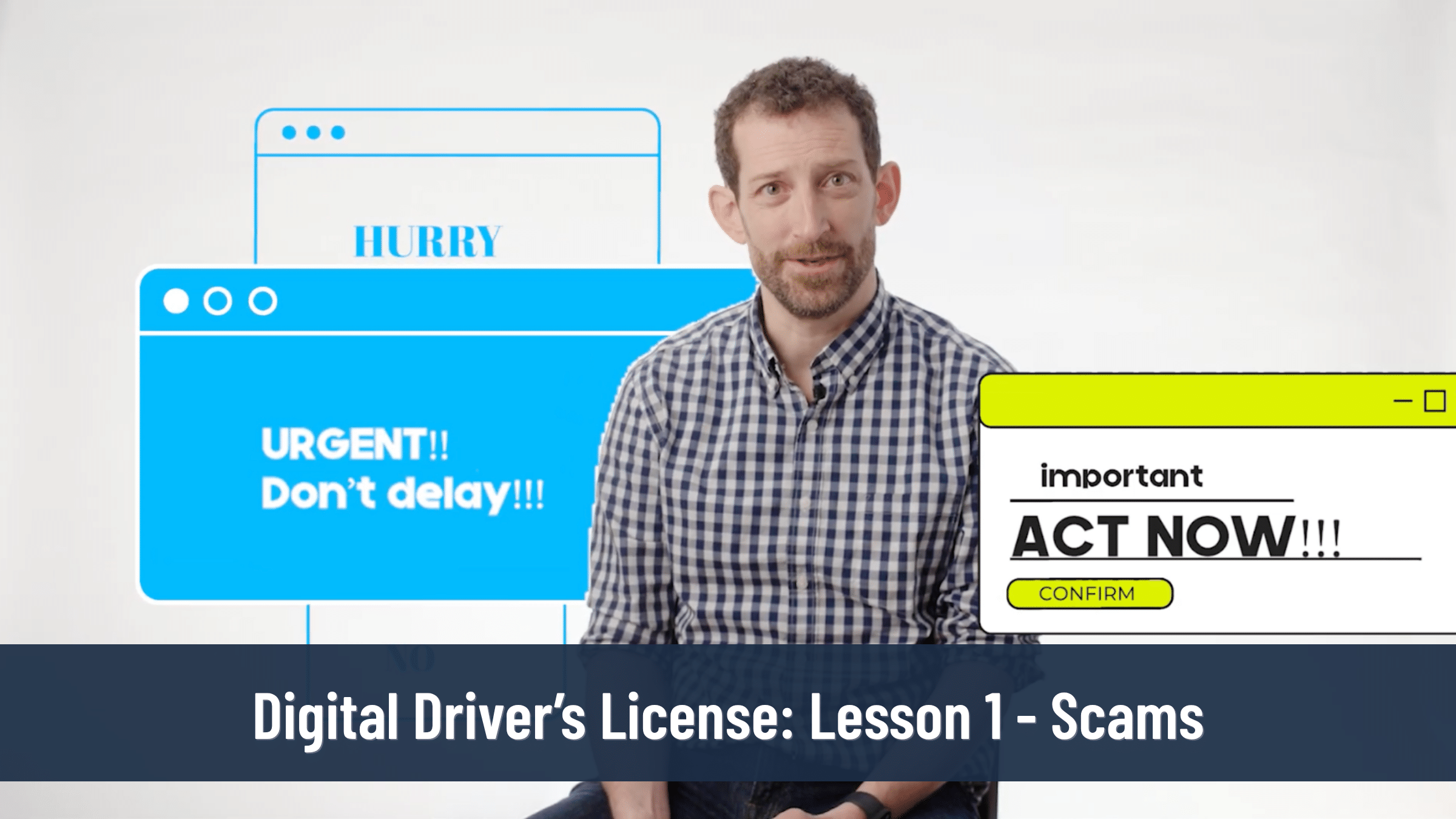
If you’re curious about how the Digital Driver’s License works, we’re offering the entire first lesson for free.
It covers online scams and includes the same video, quiz, and Family Conversation Guide that families receive throughout the full course.
You can sit down with your child, go through it together, and see what you think.
No purchase or credit card required.
You don’t have to figure out every part of your child’s digital life before they get their first phone. But there’s a lot you can do to help them be better prepared when that day comes.